Consider Recording Your Q&As
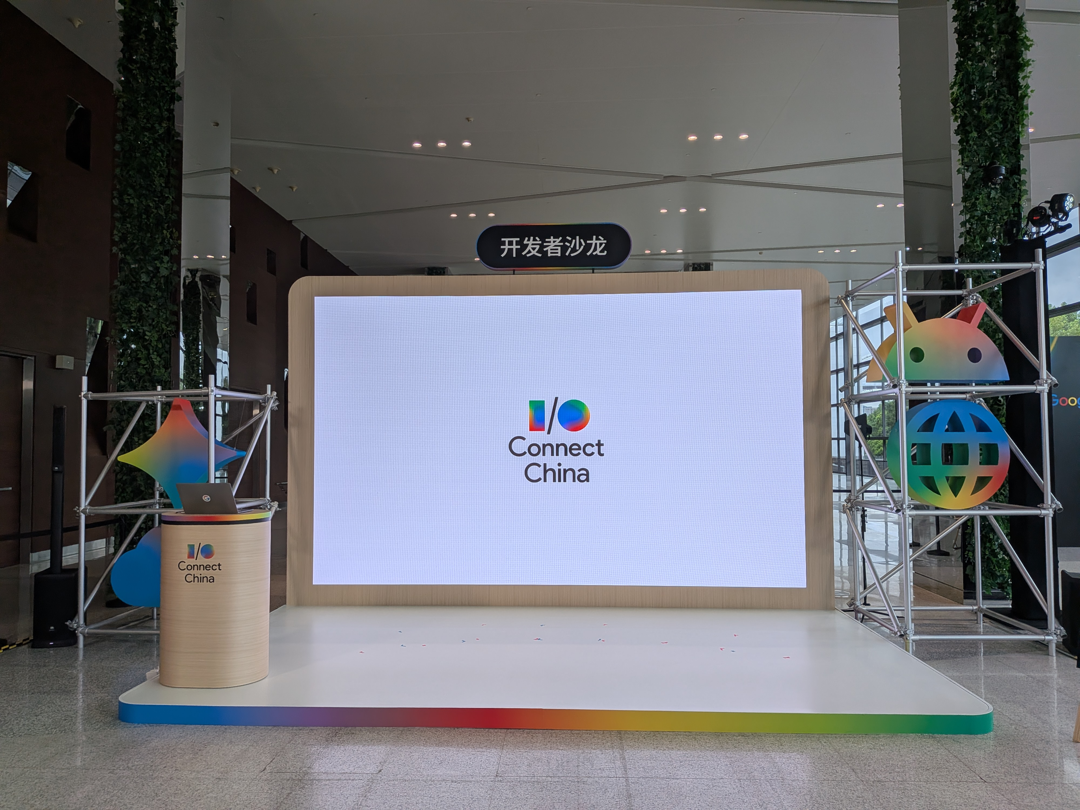
I’m finally done with Google IO. That ended in May, you say? IO proper may close in May but we also have a set of IO Connect events, a bit of a roadshow for the technologies with their own coinciding launches; they take place in June(Berlin), July(Bengaluru) and August(Shanghai). This quick paced schedule offered opportunities to tweak things from event to event versus autopiloting through on jetlag.
A change I made at Shanghai, that seems painfully obvious in retrospect, was recording our Flutter & Firebase meetup and the APAC GDE Summit the next day. At these types of events, it’s usually nice to have someone available to take contemporaneous notes. Failing that, it’s best to do a braindump immediately after. Being the only Flutter person onstage, I couldn’t exactly tell someone to hold their question while I jotted down the previous one. Additionally, some questions came in Chinese, adding to the cognitive load of my co-panelist who graciously translated. I wouldn’t have been able to keep up.
So why was it obvious? Recorded sessions are how most orgs do user studies. Facilitating a Q&A is like having the only the "talking out loud" portion of observing someone use a tool. Because I can’t see what they are doing, having the exact language matters. Another added benefit of having the exact words someone says is that it may reverberate more with leadership than the second hand TLDR.
Before the event
Very much aware of how some Q&As yield no questions and having this prime opportunity to interact first hand with developers from a big market, I pinged the Dart and Flutter team for questions they had for our developers to seed our Q&A. Some of the things they suggested I would have never thought to ask, which I appreciated.
During the event
I didn’t use any special equipment during the event. Just the Recorder app on my Pixel 9a. The audio in the meetup was amplified by microphones however the latter Q&A was in a basic conference room with no audiovisual equipment. Both recorded fine. I’m a fan of low-tech wherever possible. I know there are AI pins and such but I prefer selectively recording/upload. These pins are meant to record everything. I personally like the friction / presence of mind to start and stop a thing. I don’t have control over whatever cloud these pins are cycling the audio through.
After the event / Processing
The game changer was using Gemini to transcribe the audio. Read later mentions of Gemini as whatever LLM you prefer that is good at audio transcription. I gave it this approximate prompt:
This is audio from _<event>_
1. Prepare a raw transcript of the audio file. The audio is in <enumerate languages>
2. Extract the questions and answers that are revelant to _<product>_

(Optional) Please find the answers to these questions from the team ...
Afterwards, I read the generated copy for general coherence and then threw away the audio. I mean sure, some small garble or mistake in translation/transcription might be solved in a future model. But hopefully by then, the actual substance of the items referenced have improved enough to make it obsolete. I annotated the transcript with a big note that it was machine transcribed with AI. To my surprise, there was a Chinese question or two I missed because they referenced very specific Dart/Flutter things that my co-panelist didn’t have the background on to be able to communicate to me. Had I not recorded, that question would have been lost to me. Gemini was a pro at the interleaving multiple speakers and cross-chatter.
Thanks to my schedule, I procrastinated with filing trip reports. But on the upside, that delay gave me a lot of raw data from all three IO Connect events in the same document. The package allowed folks who attended some or none of the events to get insights as if they were there.
It also helps future-me. If I am tapped for ideas about content to make, I can look over the past sessions to find the thing that still garners questions despite "being explained in the docs."
|
Note
|
Every jurisdiction has its own rules about recording. Do consult rules about all-party consent. Remove any identifying data. |